Customer Service
Customer Support Ticketing: A Practical Guide for SMEs
· ATTPL CRM Team
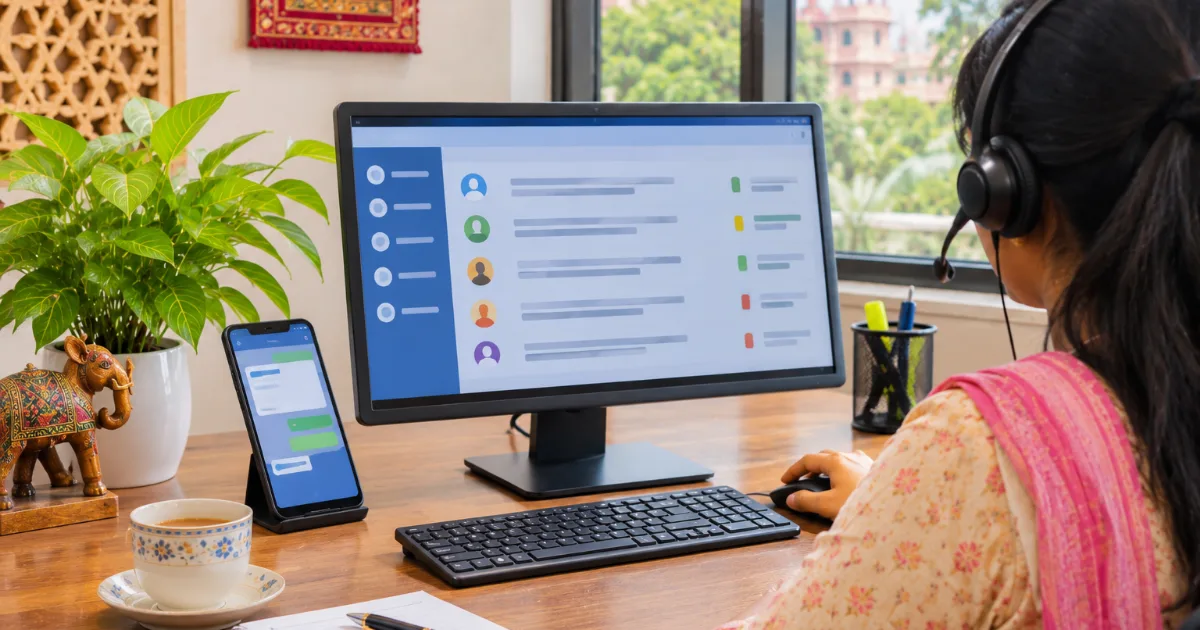
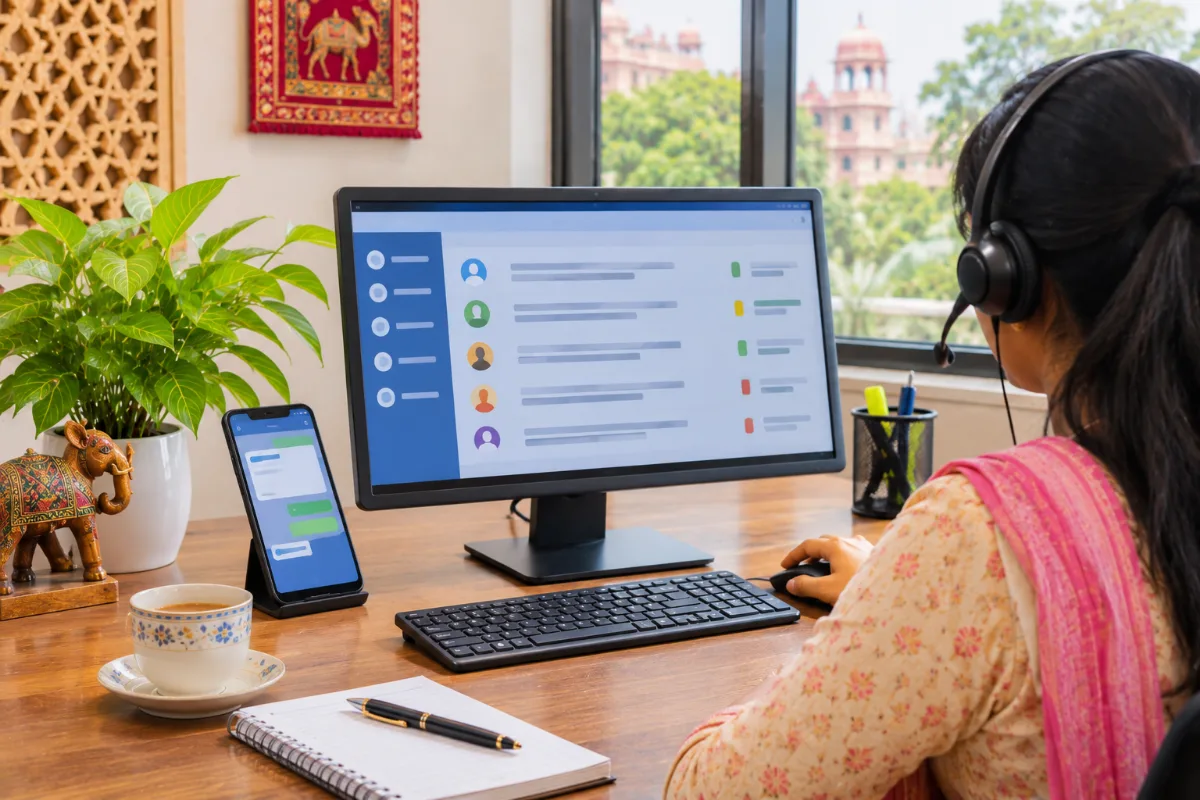
When customer complaints arrive through phone calls, emails, WhatsApp and walk-ins, it is easy for some to be forgotten. The customer follows up again and again, staff are not sure who is handling the issue and the business loses trust. A customer support ticketing process gives every request a number, an owner and a status. This guide explains how small and mid-sized businesses in India can set up ticketing step by step, without making support slow or bureaucratic.
What Customer Support Ticketing Means
A support ticket is a record of one customer issue, from the first message to final resolution. It stores who raised it, what the problem is, which channel it came from, who owns it and every reply in between.
Ticketing does not need expensive software on day one. What matters is the discipline: every issue gets logged, assigned and closed with a clear outcome. A CRM with ticketing simply makes this faster and more reliable.
Bring Every Channel Into One Ticket Queue
Indian customers contact businesses wherever it is convenient for them. Your ticket queue should collect requests from:
- Phone calls, logged by the person who answers
- WhatsApp messages from customers and dealers
- Emails to your support or sales address
- Website contact forms
- Walk-in or field visit complaints entered by staff
Our guide to WhatsApp CRM for customer communication explains how to keep WhatsApp conversations linked to the right customer record instead of individual phones.
Categories, Priorities and Ownership
Create a short list of ticket categories such as product defect, delivery delay, billing question, installation request and general enquiry. Then define priorities, for example urgent, high, normal and low, with examples for each.
Every ticket must have one owner, even if several people help. The owner keeps the customer informed and closes the ticket. For delivery-related complaints, coordinate closely with your logistics partner; businesses that use last-mile delivery services should agree on how delivery issues are reported back.
Set Response and Resolution Times
Customers are often more patient when they know what will happen next. Decide internal targets for first response and resolution by priority, and share realistic timelines with customers. A simple approach is:
- Acknowledge every ticket quickly with a ticket number
- Give an expected resolution time based on category
- Update the customer if the timeline changes
- Escalate tickets that cross their target time
Keep these targets achievable. Promising fast fixes and missing them hurts trust more than a slightly longer, honest timeline.
Reply Templates and Team Training
Standard reply templates save time and keep communication consistent. Prepare short, polite messages for common situations, and let staff personalise them:
- Acknowledgement with ticket number and expected timeline
- Request for photos, invoice number or order details
- Update when a technician visit or replacement is scheduled
- Closure message asking the customer to confirm resolution
Templates in Hindi and English help in Rajasthan, where many customers prefer to communicate in Hindi. Train new staff on categories, priorities and tone before they handle live tickets, and let them shadow an experienced colleague for the first few days. Good support depends as much on courtesy and clear ownership as on software.
Closing Tickets and Learning From Them
Close a ticket only when the customer confirms the issue is resolved or after a fair waiting period with a final message. Record the root cause, such as packaging damage, wrong billing or a product fault.
Review ticket reports every month. Repeated causes show where to fix your process, product or vendor. Support data stored in a secure cloud application can also be shared with production, logistics and sales teams. Some disputes need formal handling; MSME legal services can advise on contract terms, warranty wording and dispute steps.
Setting Up Ticketing in Your CRM
Start with a small pilot: one product line or one city. Train staff to log every request, even quick ones, and check daily that tickets are being updated. Once the process is steady, add automatic acknowledgements, WhatsApp updates and reports.
ATTPL CRM brings leads, sales follow-ups and customer communication together so support and sales see the same customer history. To discuss a ticketing setup for your business, contact the ATTPL team.
Key takeaway: A simple customer support ticketing process gives every complaint an owner, a status and a timeline, helping SMEs resolve issues faster and learn from them.
Frequently asked questions
Do small businesses really need a ticketing system?
If complaints come through more than one channel or more than one person handles them, a ticketing process helps. It prevents missed issues, shows how long problems take to resolve and makes it easier for a new staff member to pick up a case when a colleague is on leave.
Can WhatsApp messages become support tickets?
Yes. Many CRM tools can link WhatsApp conversations to customer records and tickets, so the conversation history stays with the business rather than a personal phone. Staff can then see earlier complaints before replying.
What should we do if a customer escalates a complaint to a consumer forum?
Respond calmly, keep all ticket records and communication ready, and take advice from a qualified legal professional. The National Consumer Helpline also offers information on the process.
Sources
Organise your customer relationships
Leads, contacts, follow-ups and pipelines in one workspace for Indian businesses.