CRM Basics
CRM User Roles, Permissions and Data Security for Small Businesses
· ATTPL CRM Team
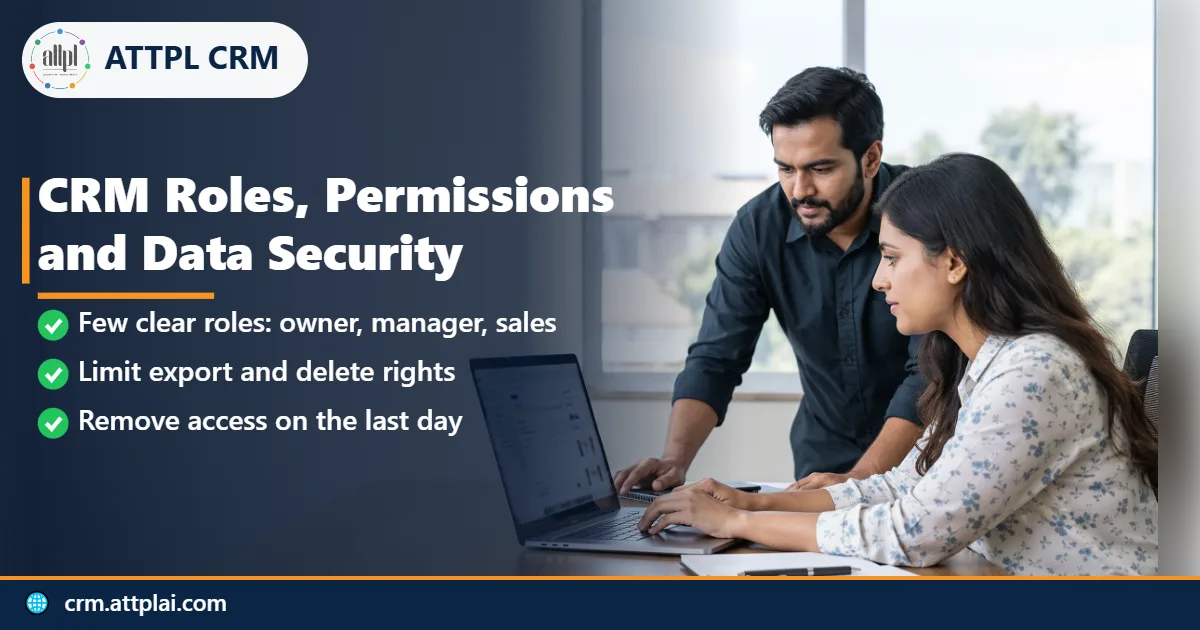
A CRM holds your customer names, phone numbers, deals and notes. This is valuable business data, and it should not be open to everyone in the company. Setting clear roles and permissions takes only a few hours, and it protects the business from mistakes, misuse and loss of data when people leave.
Why access control matters
In many small businesses, every salesperson can see every lead and download the full customer list. This is convenient, but risky. A staff member who leaves can take the list to a competitor, a trainee can delete important records by mistake, and sensitive details such as prices and discounts can reach the wrong people.
Good access control follows a simple principle: each person gets access to what they need for their work, and no more.
Define a few clear roles
Start with three or four roles instead of many complicated ones.
- Owner or administrator: manages users, settings and all data
- Sales manager: sees the whole team's leads, deals and reports, and can reassign leads
- Salesperson: sees and edits their own leads and deals, and a limited view of others where needed
- Support or accounts staff: sees customer and order details needed for service and billing, but not price lists or the full pipeline
Write down what each role can view, create, edit, delete and export.
Control the risky actions
- Limit data export and bulk download to managers or administrators
- Allow deletion only for a few trusted users, and prefer marking records inactive
- Hide discount and margin fields from roles that do not need them
- Give each person their own login. Never share one login between people
- Use strong passwords and a second step for verification where the CRM allows it
- Turn on the activity log, if available, so that you can see who changed what
Handle joiners, movers and leavers
Add access removal to your exit checklist. On the last day of an employee, disable the login, change shared passwords, reassign their leads and deals to another person and collect company devices. When someone changes role, update their permissions on the same day. This is also part of a good CRM implementation checklist.
Protect customer privacy
India's data protection law expects businesses to collect personal data only for a clear purpose, keep it safe and delete it when it is no longer needed. Read our guide on DPDP basics for sales teams and keep records of customer consent for messages. Do not share customer data on personal phones or messaging groups.
Keep your data clean and backed up
Access control works best with clean data. Follow the practices in our CRM data quality guide. Ask your CRM provider how often data is backed up, where it is stored and how you can restore it. Keep a periodic export in a safe place that only the owner can open.
Review every quarter
Once a quarter, list all users and check that each person is still working with the company and has the right role. Remove old accounts and review exports and deletions in the activity log. A short review keeps the system safe as the team grows.
Frequently asked questions
Should every salesperson see all leads?
Not necessarily. Many businesses let salespeople see their own leads and give managers the full view, to protect customer data and avoid fights over leads.
What should we do when a salesperson leaves?
Disable their login on the last day, reassign their leads and deals and review their recent exports and activity.
Do small businesses need to worry about data protection law?
Yes. If you collect and use customers' personal data, you should handle it carefully and follow the law. Take advice from a qualified professional about your situation.
Sources
This article is general business information and is not legal advice. Consult a qualified professional for data protection requirements specific to your business.
Organise your customer relationships
Leads, contacts, follow-ups and pipelines in one workspace for Indian businesses.