CRM Basics
CRM Software for Small Businesses in India: How to Choose
· ATTPL CRM Team
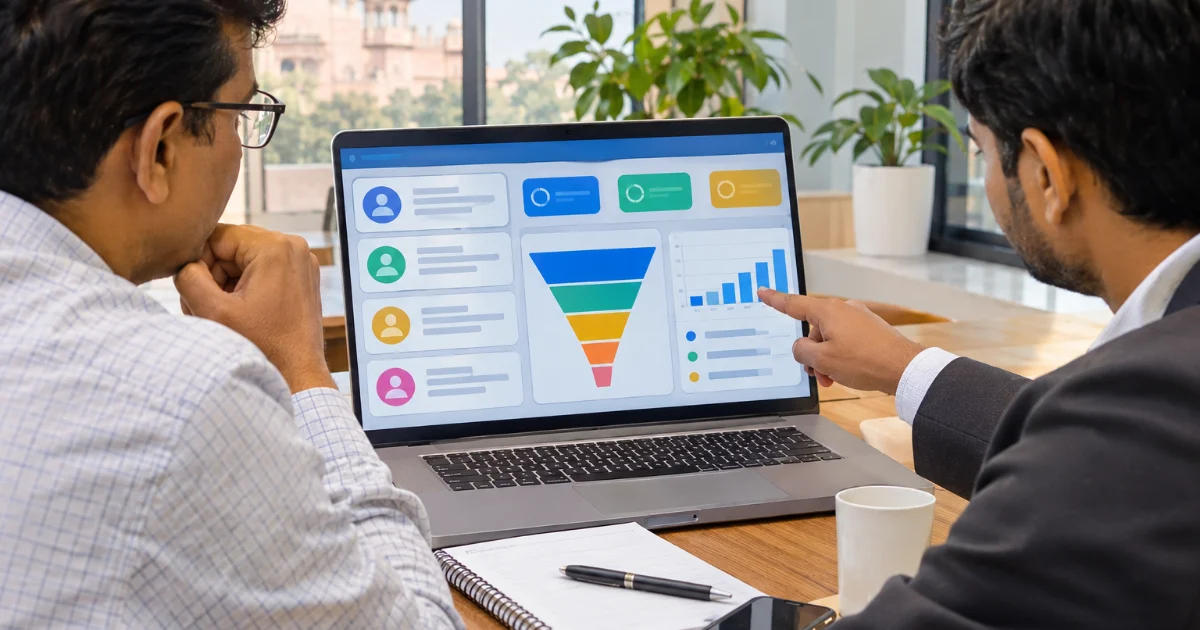
Most small businesses start with customer details spread across phone contacts, notebooks, spreadsheets and chat apps. That works until enquiries start slipping through the cracks: a lead nobody called back, a quotation that was never followed up, a loyal customer who quietly moved to a competitor. A Customer Relationship Management (CRM) system brings every enquiry, conversation and deal into one place so that the whole team can see what needs attention. This guide explains how to choose one without overspending.
What a CRM actually does
At its core, a CRM is a shared, organised record of every person and business you deal with, along with every interaction: calls, messages, meetings, quotations and orders. On top of this record, it helps you plan what to do next — who to call today, which deals are close to closing and which customers have not been contacted for a while.
- Capture leads from your website, phone calls, walk-ins, WhatsApp and campaigns in one place.
- Assign each lead to a salesperson and track follow-ups.
- Move deals through a clear pipeline from enquiry to order.
- Keep the full history of each customer, even when staff change.
- See reports on sources, conversion and sales performance.
Start with your sales process
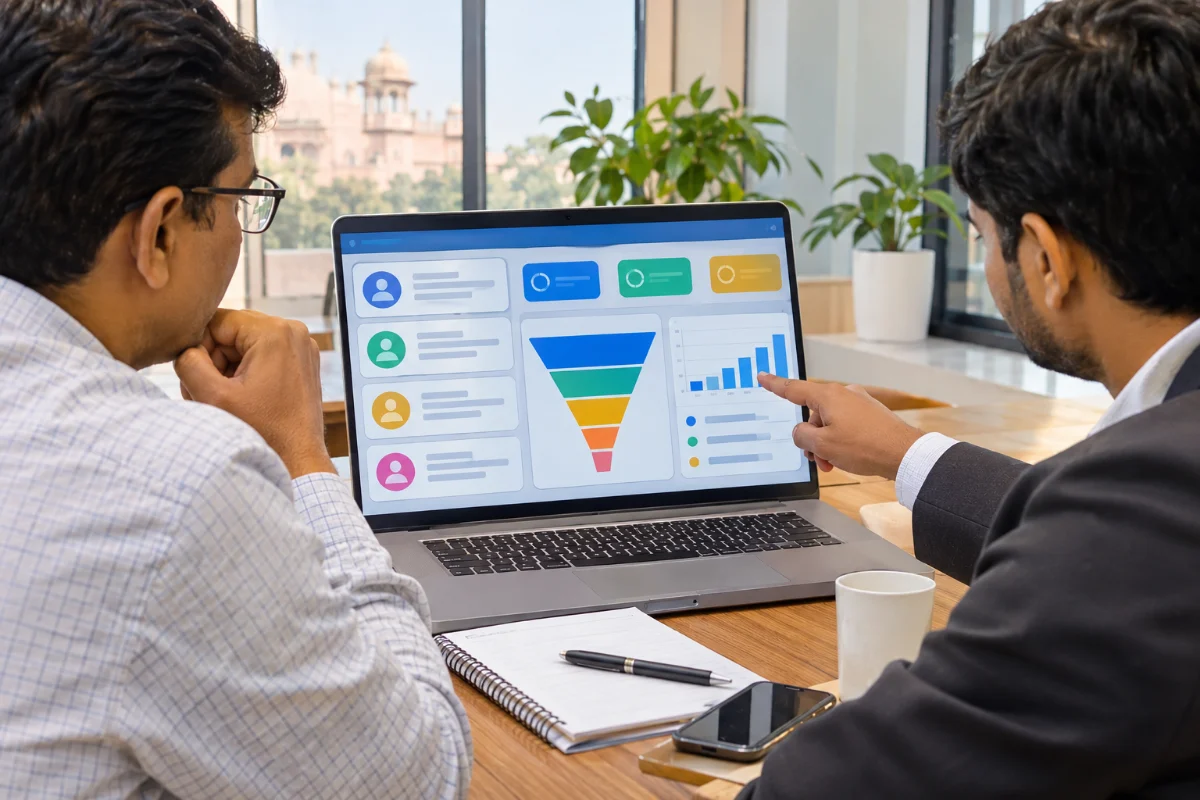
Before looking at software, write down how a typical customer finds you, how enquiries are handled and how a sale is closed. Note where things go wrong. A CRM should fit this process, not force a complicated one on your team. Small businesses usually need a simple pipeline with four to six stages, such as New, Contacted, Quotation Sent, Negotiation, Won and Lost.
Our guide to lead management and follow-ups explains how to design these stages and follow-up rules.
Must-have features for Indian businesses
- Easy mobile access, because sales teams work on the move.
- WhatsApp and phone call logging, since most Indian customers prefer them to email.
- Simple quotation and follow-up reminders.
- Role-based access so that each person sees the right data.
- Import and export of data, so you are never locked in.
- Reports that the owner can understand in a minute.
Read our guide to using WhatsApp with a CRM for the rules and good practices on customer messaging.
Data security and privacy
Customer phone numbers, addresses and purchase history are personal data. Under India's Digital Personal Data Protection Act, 2023, businesses must collect and use such data lawfully and protect it. Ask any CRM vendor where data is hosted, how it is backed up, whether access is role-based with two-factor login, and whether there is an audit trail of changes. Remove access immediately when an employee leaves.
Cost and rollout
Compare total cost, not just the monthly fee: setup, data migration, training and integrations. Start with a trial using your own data and a few salespeople. Clean your existing contact lists first, agree on pipeline stages, and make it a rule that every enquiry is entered in the CRM. Review usage weekly in the first two months — a CRM only works when the team uses it every day.
- Week 1: import contacts and set up pipeline stages.
- Week 2: train the team and start logging every new enquiry.
- Weeks 3–8: review follow-ups and reports weekly and fix gaps.
How ATTPL CRM helps
ATTPL CRM brings leads, contacts, activities and pipelines together with role-based access for teams. Businesses that also need HR, attendance and payroll can use ATTPL WorkforceOS, and custom integrations or websites that send enquiries straight into the CRM can be built by ATTPL IT. For help choosing processes and growth plans, ATTPL Consultancy can assist. To see ATTPL CRM in action, sign in or contact our team on the toll-free number below.
Frequently asked questions
Does a small business really need a CRM?
If enquiries come from several channels or more than one person handles customers, a CRM helps avoid missed follow-ups and keeps a full customer history in one place.
What is the most important CRM feature?
Reliable follow-up reminders tied to every lead, together with a clear pipeline, usually deliver the fastest results for small teams.
Can a CRM work with WhatsApp?
Many CRMs log WhatsApp conversations or integrate with the WhatsApp Business Platform, subject to WhatsApp's policies and customer consent.
Sources
Organise your customer relationships
Leads, contacts, follow-ups and pipelines in one workspace for Indian businesses.